



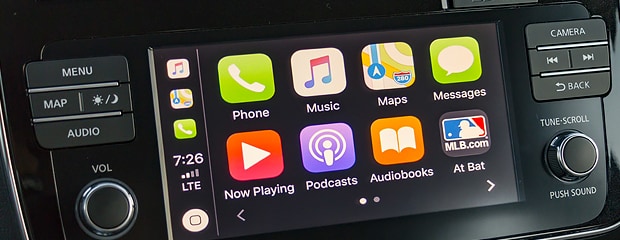
 Android Auto dropped in 2015 and remains enormously popular. Now standard throughout the auto industry, this ingenious app pairs a vehicle entertainment center with a smartphone, displaying the smartphone screens and apps on the vehicle infotainment touchscreen. That's just where the fun begins. Our Washington, PA Budd Baer Buick team quickly unpacks this app, which helps you do more at the wheel safely.
Designed to minimize distraction when driving, Android Auto puts your smartphone's functions at your disposal through your car's infotainment dashboard touchscreen. Once paired with a vehicle, the vehicle's infotainment center interfaces with the smartphone. This lets you drive and make calls, pull up navigation, or review your day's schedule, all by voice commands or by a few taps of the infotainment touchscreen.
How to Download Android AutoAndroid Auto is available from Google Play. Next-gen smartphones have Android Auto built-in like a standard, so no downloading is necessary. Pull up the app on your phone and follow the instructions for successful pairing with your vehicle. it can be done wirelessly (Bluetooth) or via USB.